 Log in

| 1 | ||
| 1 | ||
| 1 | ||
| 1 | ||
| 1 |
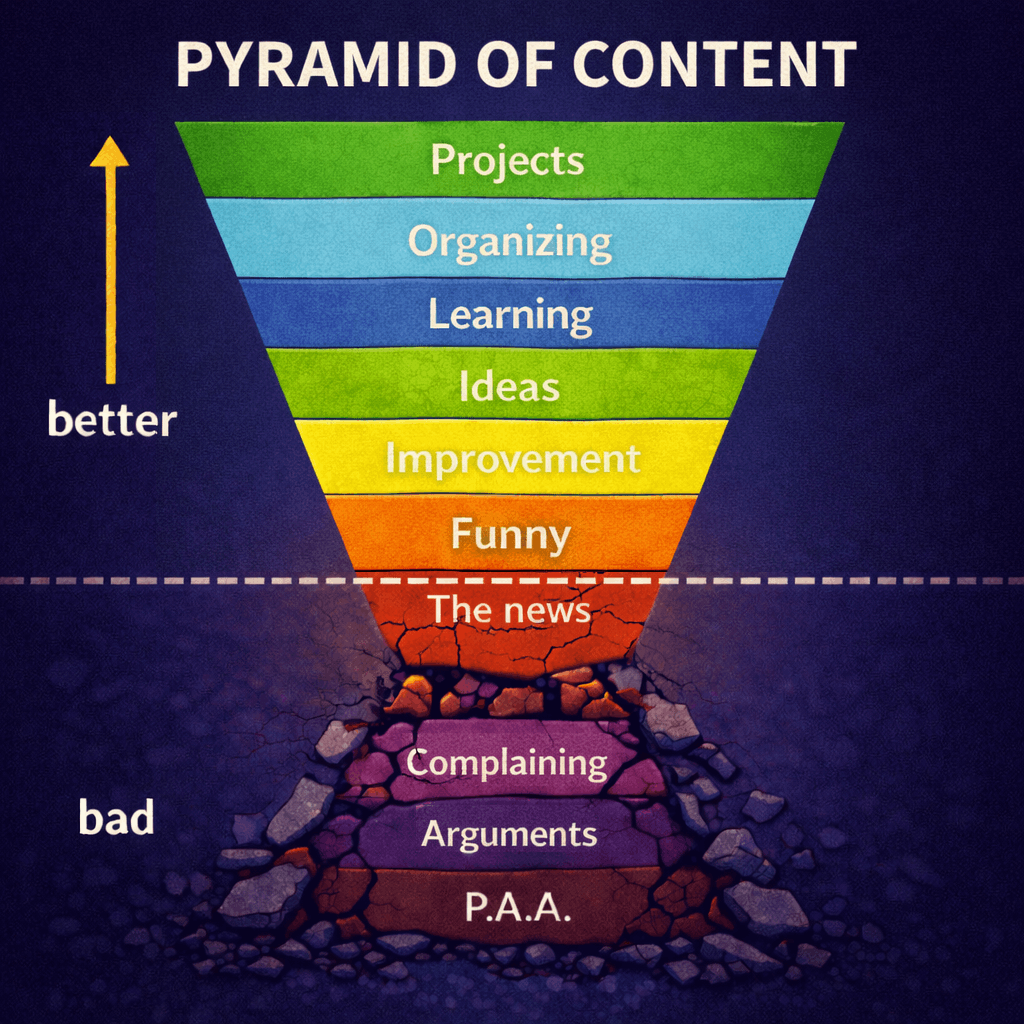
We now have the ability to block users. The pages they will be blocked in are:
I haven't implemented blocking in the chat but I hope to soon.
There are two ways to block. One is by navigating to their user page and clicking the new button in the sidebar 'Block user'. The other is by managing your block list directly in settings. You can separate them by comma, newline, space, or semi-colon. It will understand. I am just realizing this is case-sensitive. Maybe that's ok.
Let me know if I missed any critical pages that still need blocking.
https://www.youtube.com/watch?v=MPMmC0UAnj0 (But seriously, thanks for working on this and the other bits.)
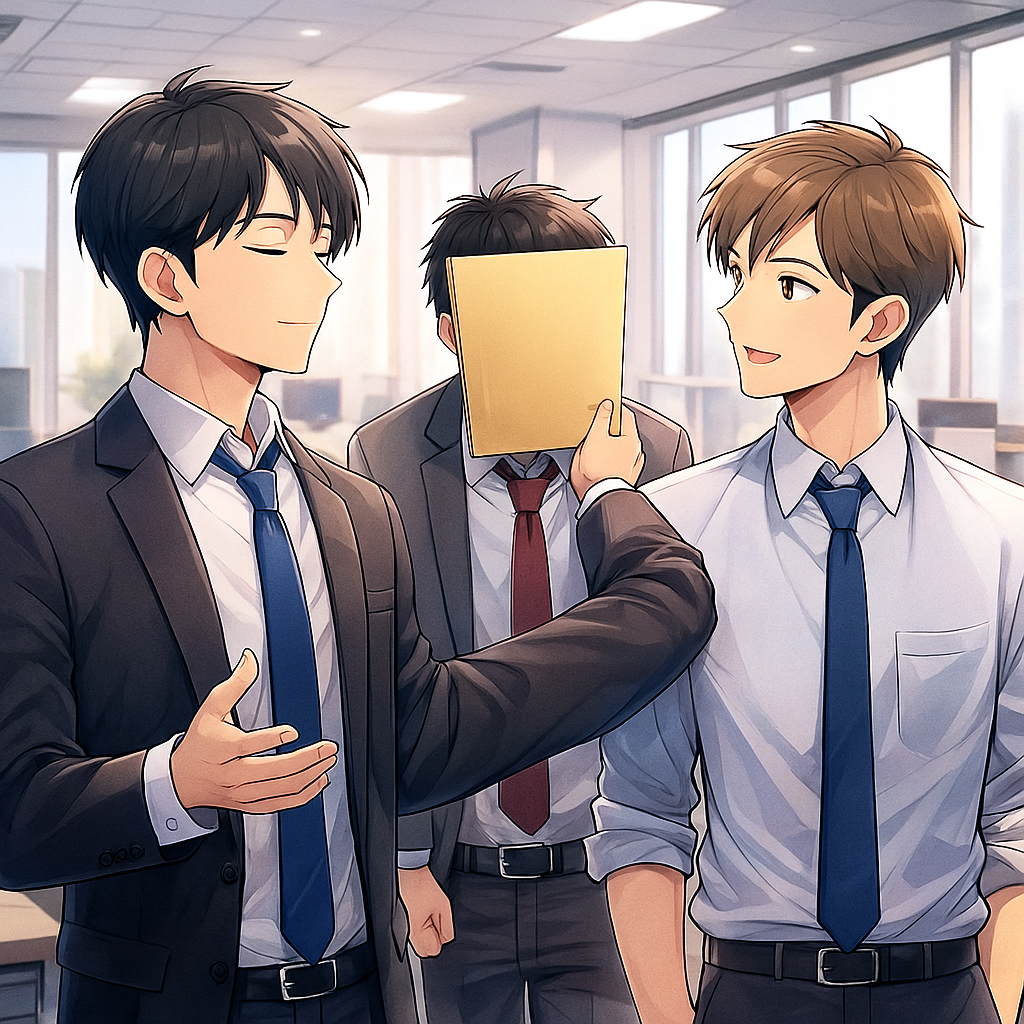
That thumbnail is creepy.
I don't know what you mean.
It's just my crappy eyesight that was seeing three faceless dudes.
Ah. You should check out the full size image. https://img.gvid.tv/i/FAFmWZkN.png
I'm not sure if it's less creepy; the guy on the left has two right hands and something weird going on with the left arm...
Do you mind elaborating on the basics of how it works?
In the block thread, we had some discussions on the scope of this feature. Does it simply "mute" users from your visible feed? Or does it prevent users from commenting on your posts?
It makes them invisible to you.
Perhaps in addition to invisible, create the option to make their content dim, greyed out, caution red, collapsed, crossed out red circle graphic, and/or something different to the normal content. Whatever the classification or distinction in code, it could then be customized in various CSS treatments, some yet unimagined.
Ok, thanks. I probably won't block then.
You'd never know if someone was just talking to themselves or not.
It’s not working. I tried a few times, got the success message each time and continue to see their posts on the front page.